Quick answer
- Shopify creates duplicate product URLs under collections, which canonical tags normally handle.
- Check titles, meta descriptions, headings, collection copy, structured data and page speed.
- Apps and themes can add bloat and conflicting markup, so test after each change.
- Verify fixes with a crawl and Search Console rather than relying on app dashboards.
What to know about Shopify and SEO
Shopify is a hosted platform that provides secure hosting, sitemaps, canonical tags and mobile-friendly themes by default. That removes many technical risks, but it also limits control. URL structures are fixed: products live under /products/, collections under /collections/ and pages under /pages/. The aim of a Shopify technical SEO checklist is to confirm the defaults work for you and fix what is under your control.
Most Shopify SEO gains come from better collection pages, product content, site structure and speed, not from tricks.
Store settings and basics checklist
Check these first.
- Online store preferences: homepage title and meta description set
- Domain: one primary domain, with others redirecting, and HTTPS enforced
- Password protection removed from the live store
- robots.txt not blocking important content, and customised only with care
- Google Search Console and GA4 connected and verified
- XML sitemap submitted at /sitemap.xml
- Markets and languages configured correctly if selling internationally
Collection page SEO in Shopify
Collections are your category pages and typically drive the most commercial traffic. Review that each has a unique title, a clear H1, helpful intro text, a logical hierarchy and relevant internal links. Avoid many near-duplicate collections and automated tag collections that create thin pages. Use the principles in ecommerce category page SEO and check that filters, which Shopify implements with parameters, are handled sensibly, as explained in faceted navigation and filter indexing.
Product page SEO in Shopify
Write unique descriptions, optimise titles and alt text, and make sure variant handling is clean. Shopify adds Product structured data in many themes, but it can be incomplete or duplicated by apps, so validate it. Handle discontinued products with redirects to a replacement or collection, using Shopify’s URL redirect tool, and keep out-of-stock pages live where return is likely. Read product page SEO for the detailed approach.
Duplicate URLs and canonical tags
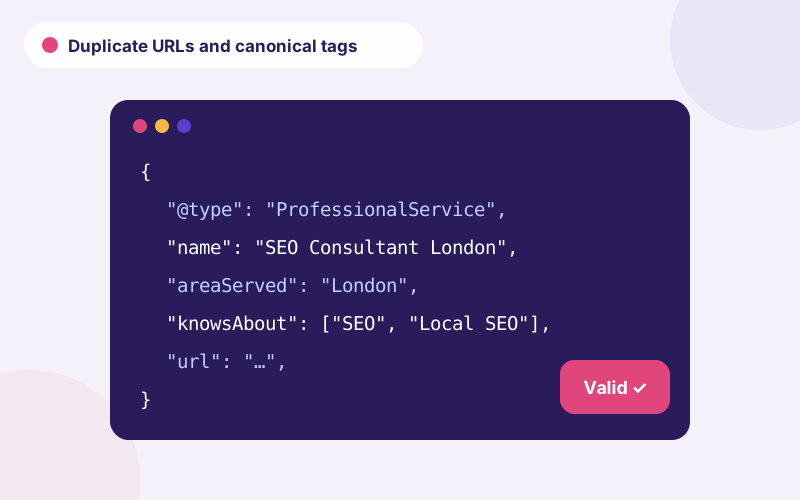
Shopify makes products available at /products/name and at /collections/collection-name/products/name. Standard themes use a canonical tag pointing to the /products/ version, which is the correct approach, but check it is in place and that internal links point to canonical URLs where possible. Review pagination, tag filtering and any URLs generated by apps. The canonical logic is explained in canonical tags and duplicate URLs.
Site structure, apps and speed
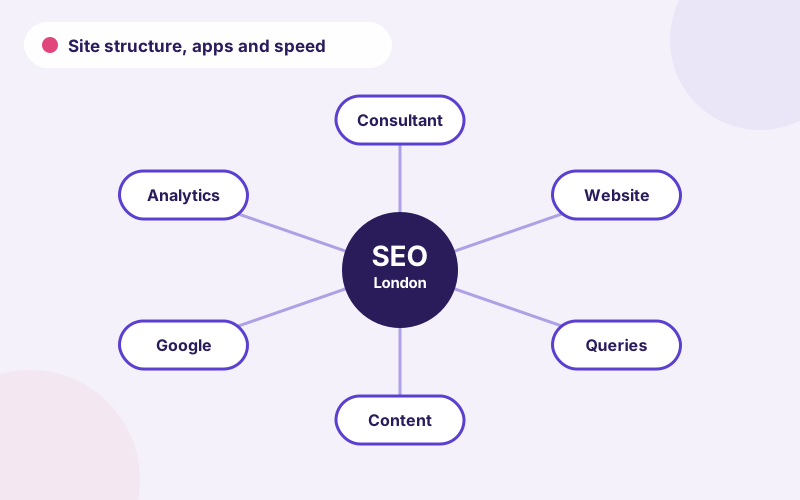
Shopify navigation menus drive internal linking, so keep key collections within a few clicks and link naturally from content and blog posts. Every app can add scripts that slow the store, so audit them and remove those not earning their keep. Choose lightweight themes, compress images and defer non-critical code. Our Core Web Vitals guide describes the targets and fixes.
Shopify SEO audit checklist: settings, collections and duplicates
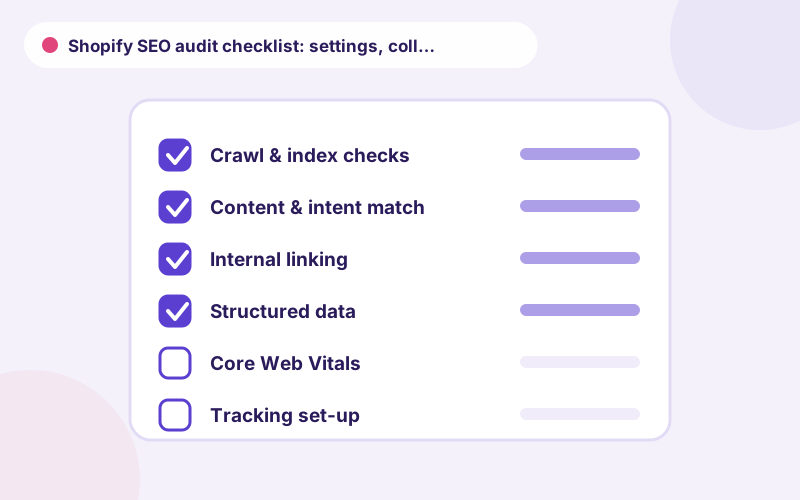
A Shopify SEO audit checklist should confirm Shopify SEO settings such as store title, meta description and social image, then move to templates. Shopify collection page SEO and Shopify product page SEO deserve separate checks, because they use different templates and carry different intent. Shopify duplicate URLs and Shopify canonical tags are the next stop: confirm that collection-path product URLs canonicalise to the main product URL.
A Shopify SEO audit that covers site structure should check menus, collection hierarchy and breadcrumbs, since Shopify site structure SEO depends heavily on theme choices. Shopify SEO optimisation is most effective when you repeat the audit after each theme update or major app installation, and record results in a simple log.
Common Shopify SEO mistakes
Merchants often leave default theme titles in place, create near-duplicate collections from tags, install several apps that each add structured data, and forget to redirect deleted products. Another is leaving the store password-protected, or blocking pages in a customised robots file. Keep a short list of rules, test after each change and keep your theme and apps lean.
If you plan to change themes, treat it as a mini migration: compare templates, metadata, structured data and speed before and after the switch.
A worked example of a Shopify clean-up
Consider a store with three hundred products, many tag-based collections and a heavy theme. A practical clean-up would remove or merge thin collections, set titles and descriptions for the top twenty collections, remove two unused apps, compress hero images and redirect discontinued products. Afterwards we would crawl the store, check canonicals, review Search Console and compare speed. The work is modest but removes the main drags on performance and gives a clear baseline for further growth.
How to verify fixes and keep monitoring
After changes, crawl the store to confirm redirects, canonicals and metadata, and use the URL Inspection tool on key templates. Watch Search Console for coverage issues and compare traffic by collection over time. Repeat the check after theme updates and app installations. If you want expert help, our ecommerce SEO consultant service covers Shopify stores, and our general SEO audit checklist adds checks beyond the platform. For our wider offer visit SEO consultant London.
Frequently asked questions
Is Shopify good for SEO?
Shopify provides a solid technical base, but results depend on content quality, structure, speed and how well you manage collections and products.
Does Shopify create duplicate content?
It can, because products are reachable under collection paths too. Canonical tags normally point to the main product URL, which handles it.
Can I edit robots.txt on Shopify?
Yes, through the robots.txt.liquid template, but changes should be made carefully and tested.
Do Shopify apps hurt SEO?
Some add scripts and markup that slow pages or conflict with theme data. Review and remove apps you do not need.
How do I redirect old products on Shopify?
Use the URL redirects tool in the admin to map the old URL to a replacement product or collection.
Talk to an SEO consultant
Questions about this topic or your own site? Send a few details and you will get a clear, practical reply.