Quick answer
- Faceted navigation creates many URL variations from combinations of filters and sort options.
- Index only filter combinations that have real search demand and enough useful products.
- Control the rest with canonicals, noindex, robots rules and thoughtful link design.
- Test the outcome with crawls and Search Console, not assumptions.
What faceted navigation is and why it causes trouble
Faceted search, or faceted navigation, gives users filters to narrow a product list. Each selection can add parameters to the URL, and combinations multiply: ten filters with several values each can produce millions of unique URLs. Most show the same products in a different order or a small subset of the same category, creating ecommerce filters duplicate content at scale.
The consequences are wasted crawl budget, diluted signals and indexation of low-value pages. Crawl waste is especially damaging on large catalogues, where Googlebot may spend its time on filters instead of new products.
Which filter pages deserve to be indexed
Some filtered pages answer genuine searches. “Black leather sofas” is a plausible query, and a filtered page for black and leather could satisfy it well. Index such pages when there is measurable search demand, enough products to make the page useful and a stable, meaningful URL. Others, like price sliders, sort orders and multi-filter combinations, should not be indexed.
Use keyword research and Search Console data to find combinations people actually search for, then create clean, optimised landing pages for them, as a category would be, following ecommerce category page SEO.
Control options and when to use them
Each option has different effects, so combine them thoughtfully.
| Method | Effect | Best use |
|---|---|---|
| Canonical tag | Suggests the main version; page still crawled | Filters that duplicate a parent category |
| Noindex | Page crawled but excluded from the index | Useful filtered pages that should not rank |
| robots.txt disallow | Stops crawling; cannot see noindex or canonicals | Large parameter spaces causing crawl waste |
| Nofollow or non-link filters | Reduces discovery of filter URLs | Controlling internal links to low-value combinations |
| JavaScript filtering without URL changes | No new URLs created | Filters with no search value |
Designing clean, crawlable filter URLs
For indexable filters, use clean, stable URLs, with static paths rather than long parameter strings, and a consistent order of facets so the same combination does not appear in several forms. Provide unique titles, headings and introductory copy, and include them in internal links and the XML sitemap. Keep non-indexable filter URLs out of the sitemap.
Managing parameters, sort orders and pagination
Sort and view parameters rarely deserve indexing. Canonicalise them to the base page and avoid linking to them with crawlable anchors where possible. For pagination, keep each page crawlable with a self-referencing canonical and make sure products are reachable via standard links. Google no longer uses rel prev and next as an indexing signal, so structure matters more. Our guide to canonical tags and duplicate URLs covers the tag rules.
Testing and monitoring your approach
Crawl the site to see how many filter URLs are discoverable, compare with what Search Console reports as indexed and review server logs where possible to see what Googlebot actually requests. After making changes, watch for a reduction in crawled and indexed low-value URLs and an increase in visibility for the filter pages you chose to promote. The wider diagnostic approach is in crawling vs indexing.
Ecommerce filter SEO, faceted search and crawl budget
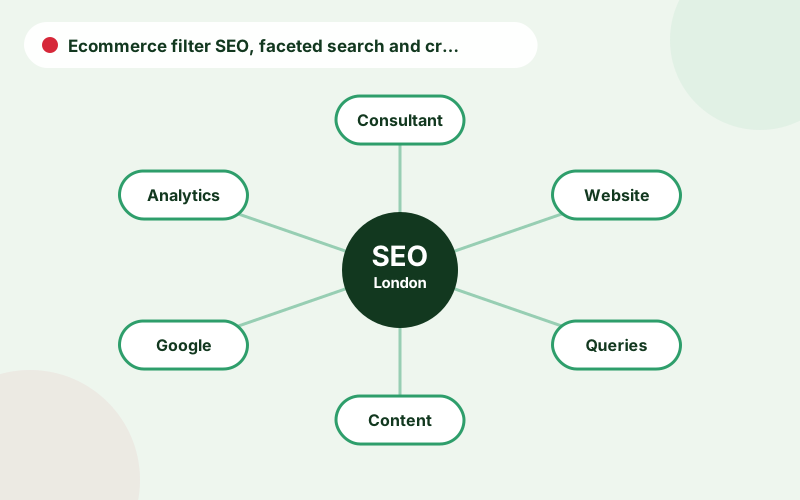
Ecommerce filter SEO and faceted search SEO are two names for the same problem: filters multiply URLs. Faceted navigation indexing decisions determine which of those URLs appear in Google, and faceted navigation crawl budget concerns how much of Googlebot’s attention they absorb. Filter URL indexing should be reserved for combinations with demand, which are your indexable filter pages.
Parameter URLs SEO policy is easiest to maintain when written down: list each parameter, say whether it changes content, and state how it is handled. Faceted navigation canonical tags should be consistent with that policy. Following faceted navigation best practices means testing the effect after each change and keeping a record of the rules.
A step-by-step decision process for filters
First list every facet and parameter on the site. Second, check which combinations get impressions in Search Console or have keyword demand. Third, decide the treatment for each: indexable landing page, canonicalised to the parent, noindexed or blocked. Fourth, implement the rules in templates, not page by page. Fifth, crawl to confirm and monitor indexation. This sequence turns a vague worry about faceted navigation into a short, repeatable project.
Frequently asked questions
What is faceted navigation?
Faceted navigation is a filtering system that lets users narrow product lists by attributes such as size, colour and price, often generating many URL variations.
Should filter pages be indexed?
Only those matching real search demand with enough useful products. The rest should be controlled to avoid duplication and crawl waste.
Should I use robots.txt or noindex for filters?
Use noindex for pages you want crawled but excluded, and robots.txt for large parameter spaces. Do not use both on the same URL.
Do canonical tags solve faceted navigation problems?
They help consolidate signals but do not stop crawling, so they are usually combined with other controls.
How do I find which filter combinations to index?
Use keyword research and Search Console data to find combinations people search for, then check that enough products support them.
Talk to an SEO consultant
Questions about this topic or your own site? Send a few details and you will get a clear, practical reply.
Related pages
- Ecommerce SEO ConsultantWork with an ecommerce SEO consultant to optimise categories, products and filters, fix craw…
- SEO Guides for Business OwnersPractical SEO guides for business owners: audits, technical SEO, local SEO, content, ecommer…
- Canonical Tags and Duplicate URLsLearn how canonical tags work, when to use rel canonical, how they differ from 301 redirects…