Quick answer
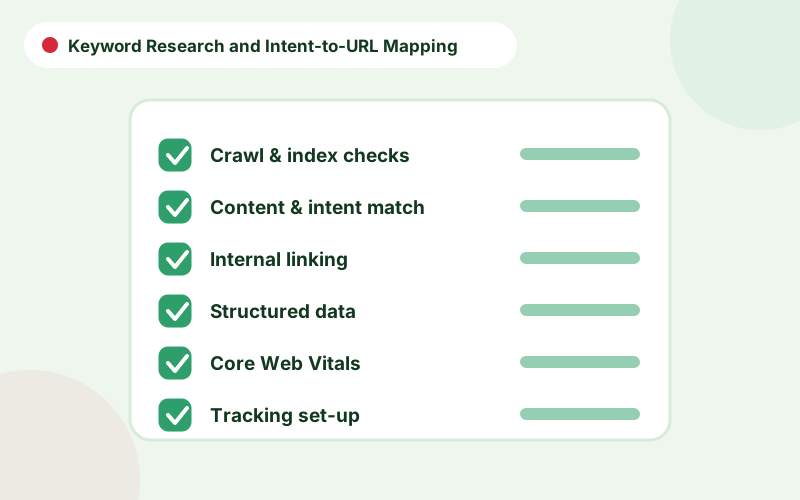
- Group keywords by the task the searcher wants to complete, not just by similar words.
- Assign one primary keyword and a small set of supporting phrases to each URL.
- Check the live search results to confirm the page type Google rewards.
- Review the map for overlaps before writing or changing any page.
What keyword mapping is
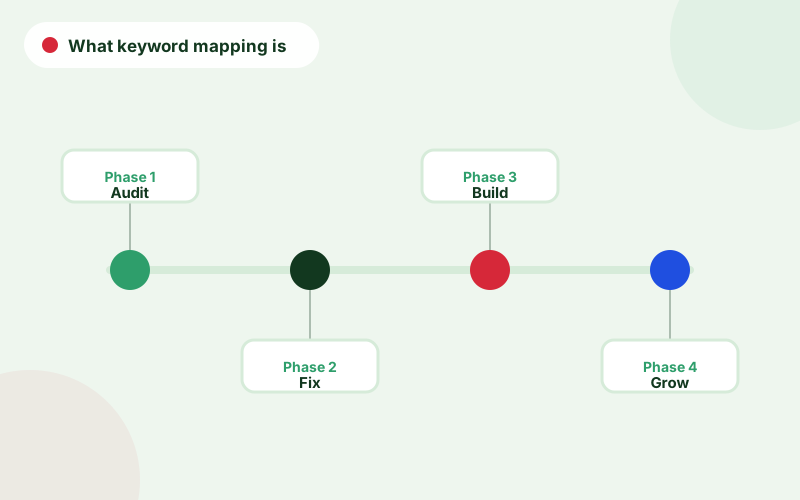
Keyword mapping SEO is the process of linking search queries to the pages that should answer them. Instead of a long list of phrases, you end up with a structured document: each URL, its primary query, supporting queries, intent and status. It prevents multiple pages from targeting the same search task, and it reveals where no page exists at all.
The map is also a planning tool. It tells writers what to produce, tells developers which pages need metadata and tells you which topics are covered.
Keyword research for service businesses
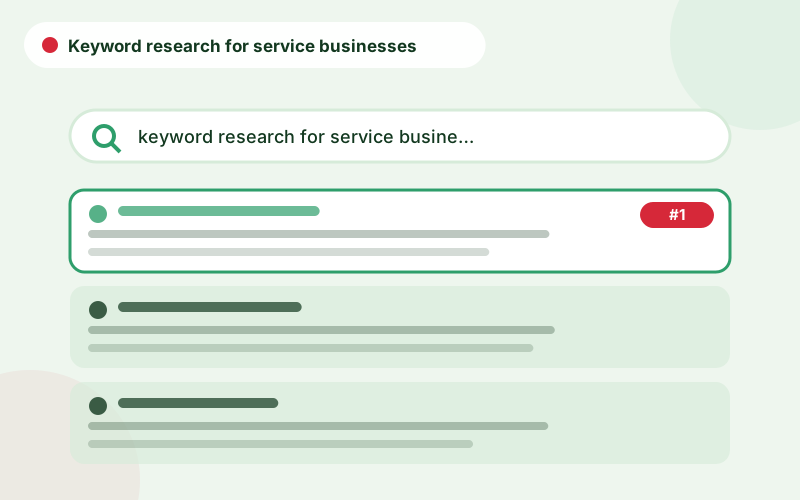
Start with your offer, not a tool. List services, customer problems, locations, comparisons and questions. Expand with Google Search Console queries, autocomplete, “people also ask”, competitor pages and a keyword tool for volume estimates. Keyword research for service businesses usually yields fewer high-volume terms and many specific, high-intent phrases, which are often the most valuable.
Record each phrase with its search volume where available, the apparent intent and the page that currently ranks, if any. Be cautious about treating volume as the only measure of value, since low-volume queries can bring strong enquiries.
Clustering by search task
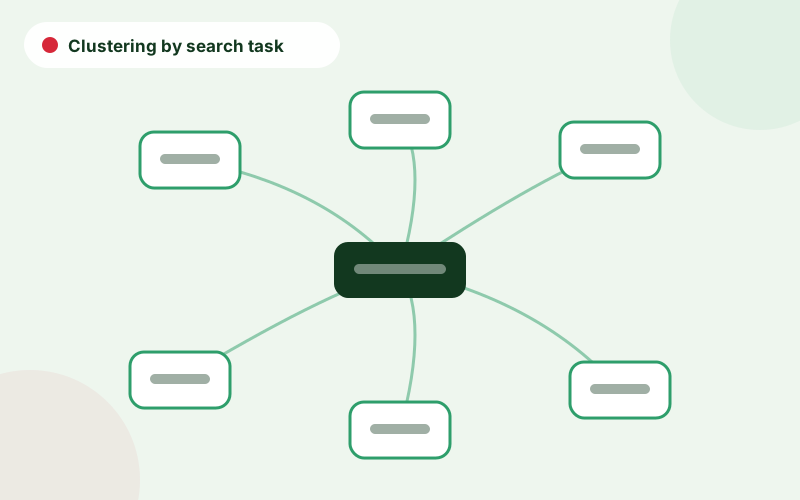
Keyword clustering groups phrases that can be satisfied by the same page. Check the live results: if Google shows the same set of pages for two queries, they probably belong on one URL. If the results differ, such as service providers for one and guides for another, they need separate pages. This is more reliable than grouping by word overlap alone.
For intent definitions and examples, read our guide to search intent for service business content.
The mapping process step by step
A repeatable process keeps the map reliable.
- Collect candidate queries from research and Search Console.
- Classify intent for each: learn, compare, buy or local.
- Cluster queries by shared results and tasks.
- Choose a primary keyword for each cluster, based on intent and demand.
- Assign a URL, either existing or planned.
- Add supporting queries and key questions to cover on the page.
- Check for overlap with other URLs before finalising.
What a keyword mapping template contains
A simple keyword mapping spreadsheet needs only a few columns.
| Column | Purpose |
|---|---|
| URL | The page that owns the search task |
| Primary keyword | The main query for the page |
| Supporting keywords | Closely related phrases to cover naturally |
| Intent | Informational, commercial, transactional or local |
| Volume and difficulty | Indicators of demand and competition |
| Status | Live, to update, to create or to merge |
| Notes | Competitor patterns, required evidence and links |
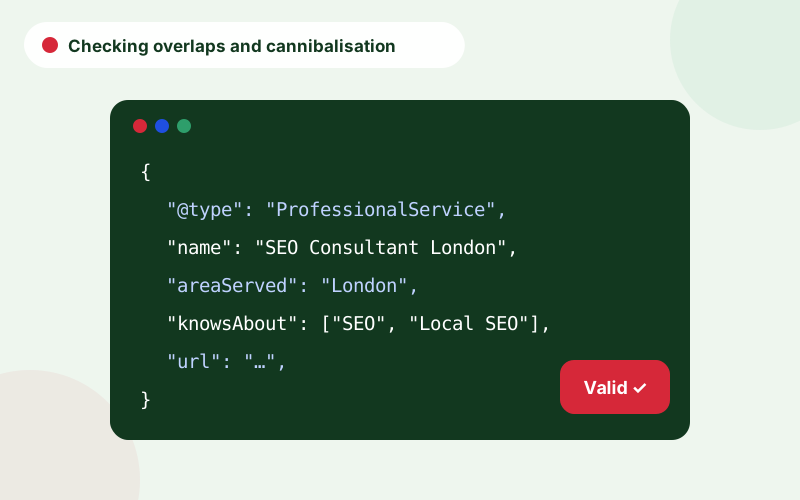
Checking overlaps and cannibalisation
Before approving the map, search it for duplicates: the same primary keyword on two URLs, or supporting keywords that clearly belong to another page. Check existing pages in Search Console to see whether several URLs already receive impressions for the same queries, which signals overlap. Our guide to keyword cannibalisation explains how to resolve it.
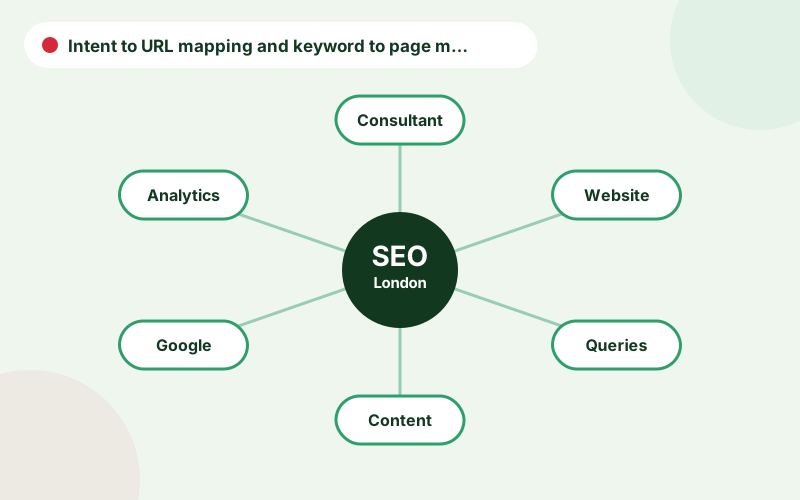
Intent to URL mapping and keyword to page mapping
Intent to URL mapping is the idea at the heart of this guide: for every search task, one URL. Keyword to page mapping is the practical record of that decision. When people ask how to map keywords, the answer is to group by task, pick a primary query, assign a page and check overlaps. To assign keywords to pages well, start with the pages that make money and work outwards.
Keep a short column of notes in your sheet explaining why each decision was made. When someone questions it months later, the answer is already written.
A realistic example of a keyword map row
A row might read: URL /local-seo/, primary keyword local seo consultant, supporting keywords local seo services and local seo expert, intent transactional with local flavour, status live, notes: add reviews section and local examples. Another row for a guide might read: URL /guides/local-citations/, primary keyword local citations, supporting what are local citations, intent informational, status to refresh. Small, clear rows are easier to maintain than long ones.
Common keyword mapping mistakes
The usual mistakes are mapping by word similarity instead of search task, assigning the same primary keyword to two pages, ignoring existing rankings and never updating the map. Another is mapping every phrase to its own page, which creates thin content. Avoid these by checking live results, merging close variants, reviewing Search Console before changing live pages and revisiting the sheet each quarter.
From map to content and support
Once the map is complete, it becomes the basis for briefs, internal links and the publishing plan, as in our SEO content strategy service. For a deeper structural approach, see how to create a topical map for a service business. If you want help building a map for your own site, contact us through SEO consultant London.
Frequently asked questions
What is keyword mapping?
Keyword mapping is assigning groups of related search queries to specific URLs so each page has a clear purpose and pages do not compete.
How many keywords should one page target?
One primary keyword plus a small set of closely related phrases that share the same search task.
Do I need a keyword mapping spreadsheet?
It is the simplest way to maintain the map, with columns for URL, keywords, intent, status and notes.
How do I know if two keywords need separate pages?
Compare the live results. If Google shows different types of pages, they need separate URLs.
How often should I update the map?
Review it quarterly and whenever you add a service, change the site structure or see unexpected ranking overlaps.
Talk to an SEO consultant
Questions about this topic or your own site? Send a few details and you will get a clear, practical reply.