Quick answer
- First confirm the drop is real, using Search Console as well as analytics.
- Identify the exact date, then the pages, queries, devices and countries affected.
- Rule out tracking errors, seasonality, indexing problems and site changes before blaming updates.
- Match the cause to the response: fix faults quickly, and improve quality for update-related declines.
Step 1: confirm the drop is real
When you ask why has organic traffic dropped, begin by checking the data. Compare analytics with Search Console clicks. If analytics shows a fall but Search Console does not, the cause may be tracking, consent settings or a tag change. Check that GA4 is still installed, filters have not changed and that organic traffic has not been reclassified as another channel. Many alarming drops turn out to be reporting problems.
Step 2: date and locate the decline
Use daily Search Console data to find the exact date traffic changed, and align it with releases, content changes, migrations, server issues and confirmed Google updates. Then locate it: which pages, queries, devices and countries lost clicks? A drop across the whole site suggests a technical or sitewide issue, while a decline concentrated in one section or query type suggests a content or intent change. The comparison techniques are in using Google Search Console to diagnose organic performance.
Step 3: separate demand from visibility
Not all declines mean you lost ground.
- Check impressions: if they fell too, demand or visibility changed; if impressions held but clicks fell, the result may be less attractive or pushed down by features
- Compare year on year for seasonal businesses
- Look at Google Trends for the main topics
- Check whether the average position moved, or whether the same position now earns fewer clicks because of AI answers or other features
Step 4: check indexing and technical health
Look in the Search Console Pages report for sudden increases in excluded or error pages, and inspect key URLs. Check robots.txt, noindex tags, canonicals, redirect behaviour, server errors and page speed. Faults left over from staging, such as a global noindex, are a classic cause. Our guides on crawling vs indexing and canonical tags explain what to look for.
Step 5: review site changes and migrations
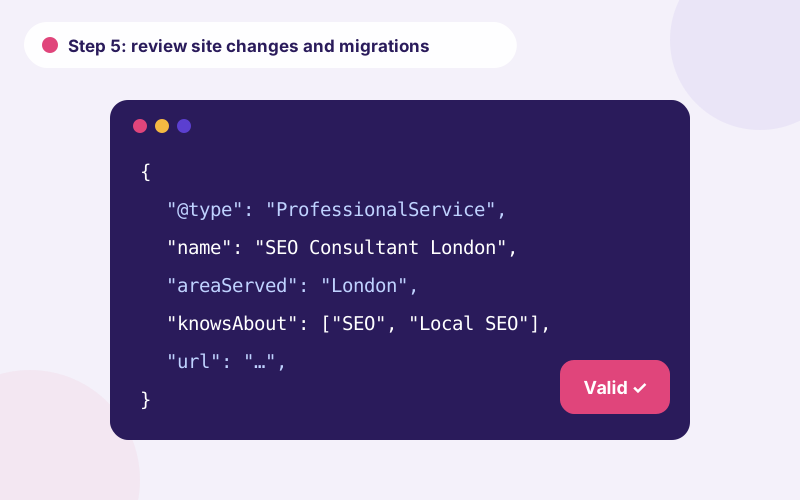
Ask what changed: a redesign, a plugin update, new templates, changed URLs, removed content or altered internal links. Website migration traffic loss is common when redirects are incomplete, content changes or links break. Compare the crawl before and after, and see our website migration SEO checklist for what should have been preserved. Restore missing elements or add redirects where needed.
Step 6: consider updates, competitors and manual actions
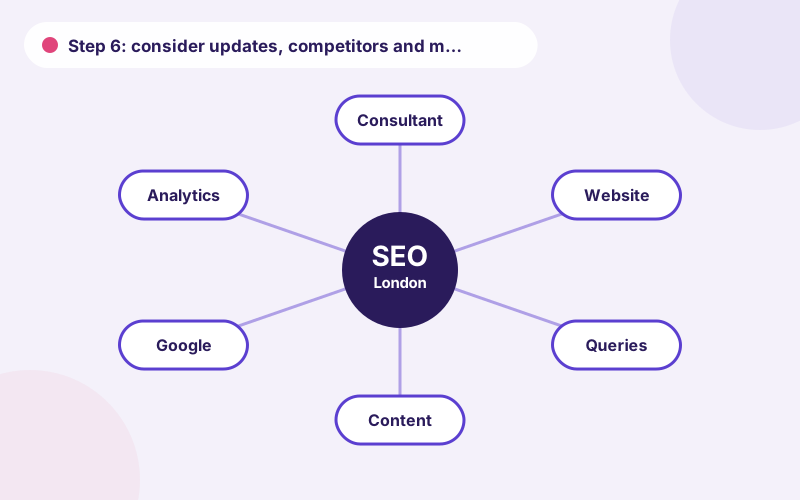
If technical and site-change causes are excluded, compare your drop with confirmed Google updates and examine whether competitors or new result types took your place. Check the Manual Actions report to rule out a penalty, as explained in manual actions vs ranking declines. For update-related declines, assess page quality, originality and usefulness against the pages that now rank.
Common causes of an organic traffic drop, by type
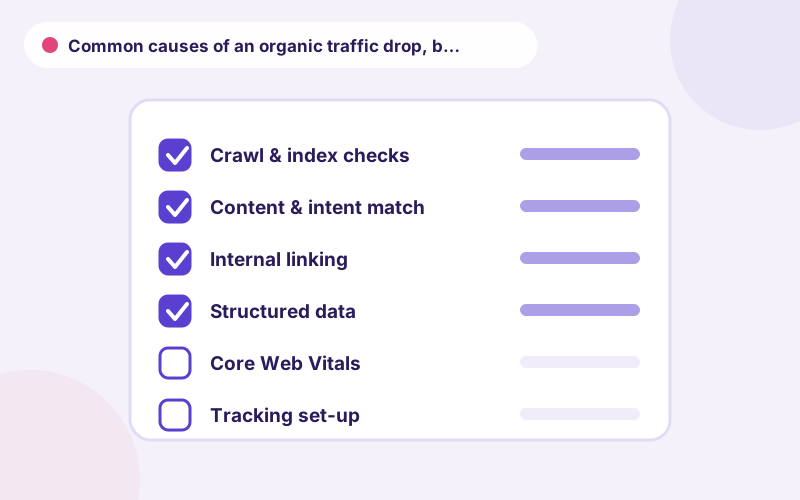
Organic traffic drop diagnosis often finds one of a few families of cause. Lost organic traffic from tracking errors is common. A Google organic traffic decline from an update tends to affect specific page types. A sudden SEO traffic drop right after a release points to a technical fault. A Search Console traffic decline limited to one country suggests a localisation issue.
Seasonal organic traffic changes deserve a year-on-year comparison before you act. Indexing related traffic drop events show up in the Pages report. Website migration traffic loss usually follows missing redirects. An organic search performance decline across many queries may reflect new competitors or new result features, which requires a content and authority response.
Recording your diagnosis
Keep a simple log as you investigate: date of the drop, evidence gathered, hypotheses ruled out and actions taken. This prevents repeated work, helps colleagues follow your reasoning and creates a record that is useful if the issue recurs. A short table with columns for hypothesis, test, result and conclusion is enough.
When you share findings with stakeholders, present the evidence first and the conclusion second. People trust a diagnosis more when they can see how you reached it, and it reduces pressure to take hasty action.
When to ask for help
Ask for help if the drop is large, if it threatens revenue, if you have ruled out the obvious causes without finding an answer or if the site is complex. An outside perspective is often quicker, because it brings experience of similar cases and fresh eyes on the data. Share your log, Search Console access and the date and nature of recent site changes, and the investigation can start immediately.
Matching the response to the cause
Faults can often be fixed within days, and recovery follows once pages are recrawled. Quality-related declines need content and authority improvements and take longer. Where the cause remains unclear, a structured review helps; see our SEO traffic recovery service, an SEO audit or the overview on SEO consultant London.
Frequently asked questions
Why did my organic traffic suddenly drop?
Common causes are tracking errors, indexing or technical faults, site changes, seasonality and algorithm updates. A step-by-step diagnosis identifies which applies.
How do I know if it is a Google update?
Compare the drop’s start date with confirmed updates, and check whether affected pages share quality or intent characteristics after ruling out technical causes.
Could my analytics be wrong?
Yes. Compare with Search Console and check tags, filters and consent settings before assuming real loss.
How quickly can traffic recover?
Technical faults can recover in weeks once fixed. Quality-related declines often take several months.
Should I panic and rewrite everything?
No. Diagnose first. Large changes made without evidence can make matters worse.
Talk to an SEO consultant
Questions about this topic or your own site? Send a few details and you will get a clear, practical reply.
Related pages
- SEO Traffic Recovery ConsultantSEO traffic recovery for sites hit by migrations, updates or technical faults. We find the r…
- SEO Guides for Business OwnersPractical SEO guides for business owners: audits, technical SEO, local SEO, content, ecommer…
- Use Google Search Console to Diagnose Organic PerformanceHow to use Google Search Console for SEO analysis: compare queries and pages, read clicks, i…