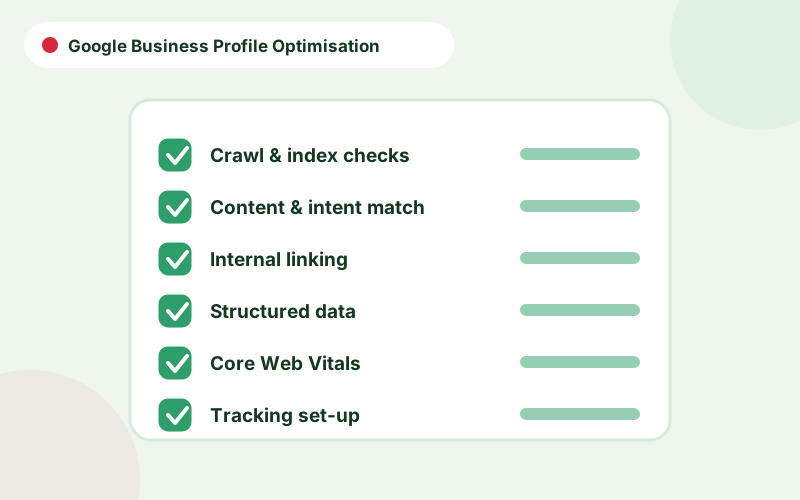
Quick answer
- Start with the right primary category, then add services and attributes that truthfully describe the business.
- Keep name, address, phone number, hours and website consistent with your site and directories.
- Use real photos, accurate descriptions and regular updates instead of keyword stuffing.
- Review insights monthly to see calls, direction requests and website clicks.
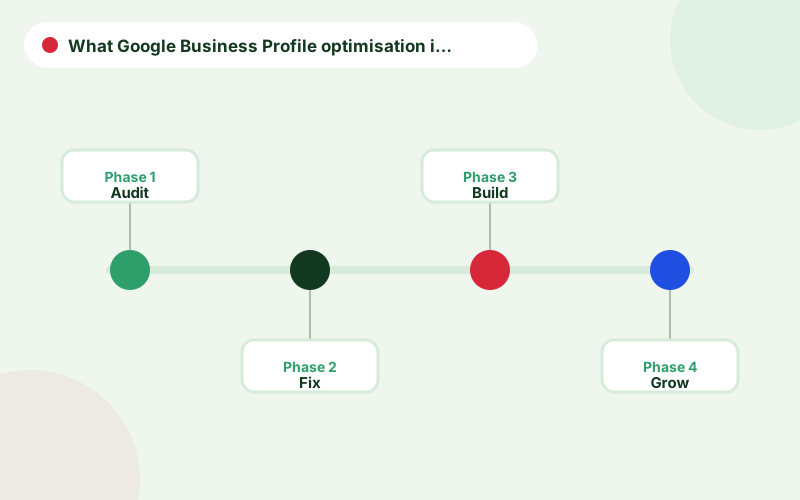
What Google Business Profile optimisation includes
Your Google Business Profile, formerly Google My Business, controls how your business appears in Google Search and Maps. How to optimise a Google Business Profile comes down to completeness, accuracy and relevance: giving Google clear information about what you do and where, and giving searchers enough detail to choose you.
Optimisation is not a one-off task. Information changes, competitors update their listings and Google adds features, so regular maintenance matters as much as the initial set-up.
Choosing categories that match your business
The primary category is one of the strongest relevance signals on the profile, so choose the one that most precisely describes your main service. Add secondary categories for other genuine services, but not for things you only occasionally do. Look at which categories the top local competitors use, but do not copy them blindly, since your own services decide what is accurate.
Changing categories can shift the searches you appear for, so adjust deliberately and monitor insights afterwards. Google business profile categories also determine which attributes and features are available to you.
Services, products and descriptions
Add each service you provide in the services section, with a short, clear description. Retailers and restaurants can add products or menus. Write the business description in plain language that explains who you serve, what you offer and what makes you different. Avoid keyword lists, promotional claims, phone numbers and links in the description, as these can breach guidelines.
The services should match the language used on your website so both reinforce each other, which is why profile work and local SEO consulting go together.
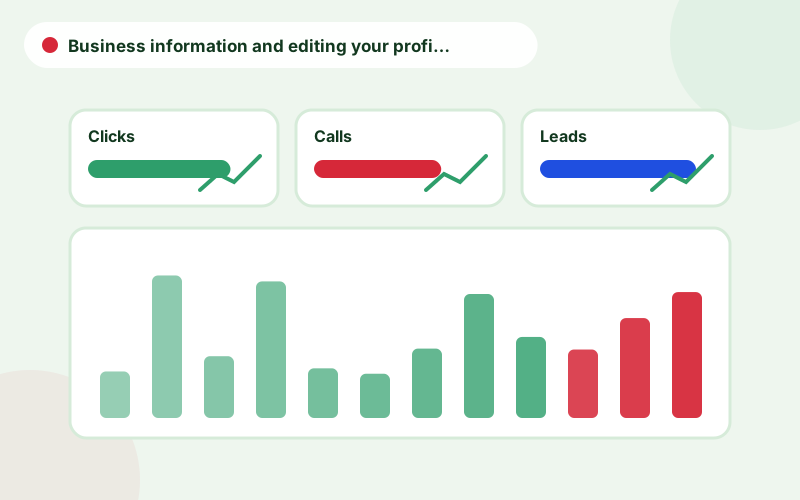
Business information and editing your profile safely
Accurate details protect rankings and customer trust.
- Use your real-world business name, without added keywords or locations
- Enter the address customers can visit, or set service areas if you travel to them
- Provide a local phone number and the website page most useful for local visitors
- Set regular hours, and update special and holiday hours in advance
- Add attributes such as accessibility or appointment options where true
- Be careful when editing google business profile details, since significant changes can trigger re-verification
Photos, posts and questions
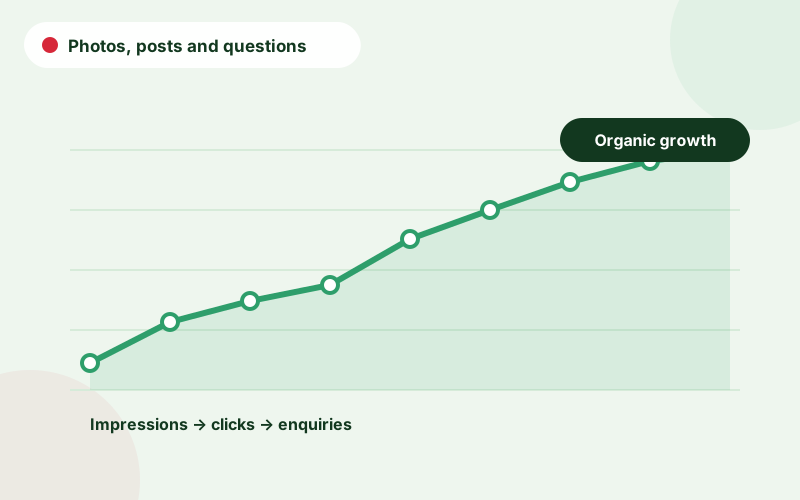
Upload real photos of your premises, team, work and products, in good resolution and updated regularly. Customers and Google both value authentic imagery. Use posts for offers, updates and events in a consistent but not excessive way. Monitor the questions and answers area and respond helpfully. Reviews are covered in depth in Google reviews and local SEO.
Consistency with your website and citations
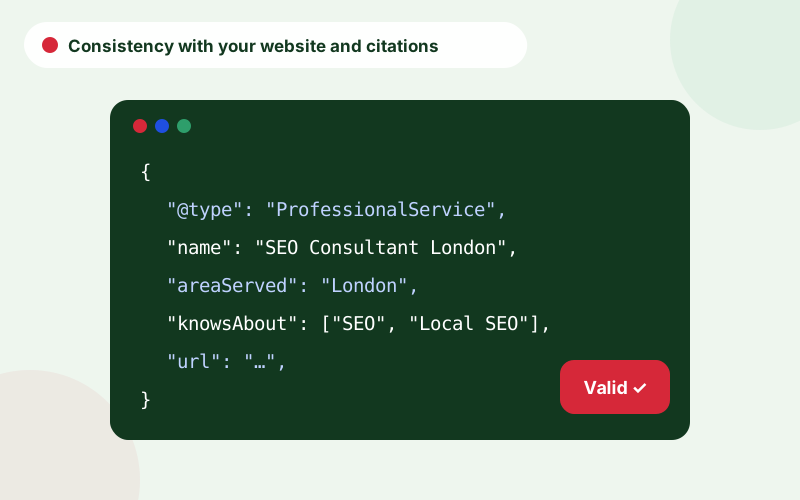
Google cross-checks the profile against your website and other sources. Ensure the name, address and phone match exactly, link to the most relevant page, and add LocalBusiness markup to the site, as covered in structured data for service businesses. Keep the listing consistent with the directories described in local citations.
Google Business Profile optimization checklist and services
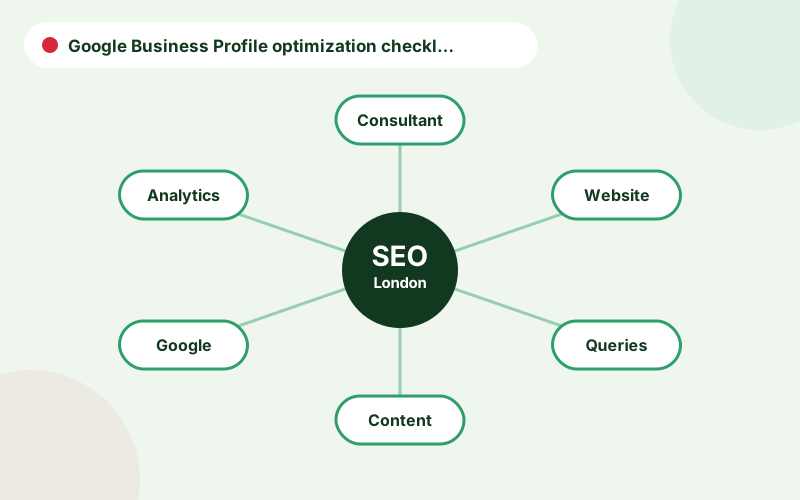
Readers use both spellings, so to be clear: Google Business Profile optimization and Google Business Profile optimisation UK searches describe the same task. A Google Business Profile checklist should cover verification, categories, services, hours, photos, posts, questions and reviews, plus a monthly review. Google Business Profile services such as bookings, products and menus are available to some categories and should be completed where they apply.
A Google Business Profile optimization checklist helps you stay consistent. Tick each item, record the date and revisit it monthly.
How to optimise Google Business Profile details, step by step
To optimise Google My Business profile details, start from the dashboard and open each section in turn. Many people ask how to optimise Google Business Profile quickly; the honest answer is that a complete first pass takes an afternoon, and maintenance takes minutes a month. When you edit Google Business Profile information, change one thing at a time where possible, and note the date, so you can connect changes with results.
Be careful with business names and categories, which are monitored closely. If an edit is rejected or triggers re-verification, read the message, correct the issue and resubmit rather than repeating the same change.
Common profile mistakes and how to avoid suspension
Profiles are most often suspended for keyword-stuffed names, virtual or shared addresses, misleading categories and duplicate listings. Avoid each by using your real business name, a genuine address or service area, accurate categories and a single profile per location. Keep documentation, such as photographs of your premises and signage, ready in case Google asks for verification.
Maintenance and measurement
Set a monthly routine: check insights for calls, direction requests and clicks, review new reviews and questions, confirm hours and refresh photos. Add UTM parameters to the website link so profile traffic is separate in analytics. For a full review across the profile, website, citations and reviews, use our local SEO checklist for London businesses, and see how we help on SEO consultant London.
Frequently asked questions
How do I optimise my Google Business Profile?
Choose accurate categories, complete every relevant field, add services, real photos and posts, keep information consistent with your website and respond to reviews.
Can I add keywords to my business name?
No. The name must match your real-world business name. Adding keywords can lead to suspension.
How often should I update my profile?
Check it monthly, and update immediately when hours, services or contact details change.
What is the difference between Google My Business and Google Business Profile?
Google Business Profile is the current name for what was Google My Business. The listing and purpose are the same.
Does editing my profile risk suspension?
Major changes to name, address or category can trigger review. Follow Google’s guidelines and keep information truthful.
Talk to an SEO consultant
Questions about this topic or your own site? Send a few details and you will get a clear, practical reply.